Log In

1.
Go to the Owner Portal login (Hostaway).
2.
Enter your credentials. If this is your first time, you’ll be prompted to reset your password.
Tip: If you forget your password, use the “Forgot Password” link or contact your account manager.

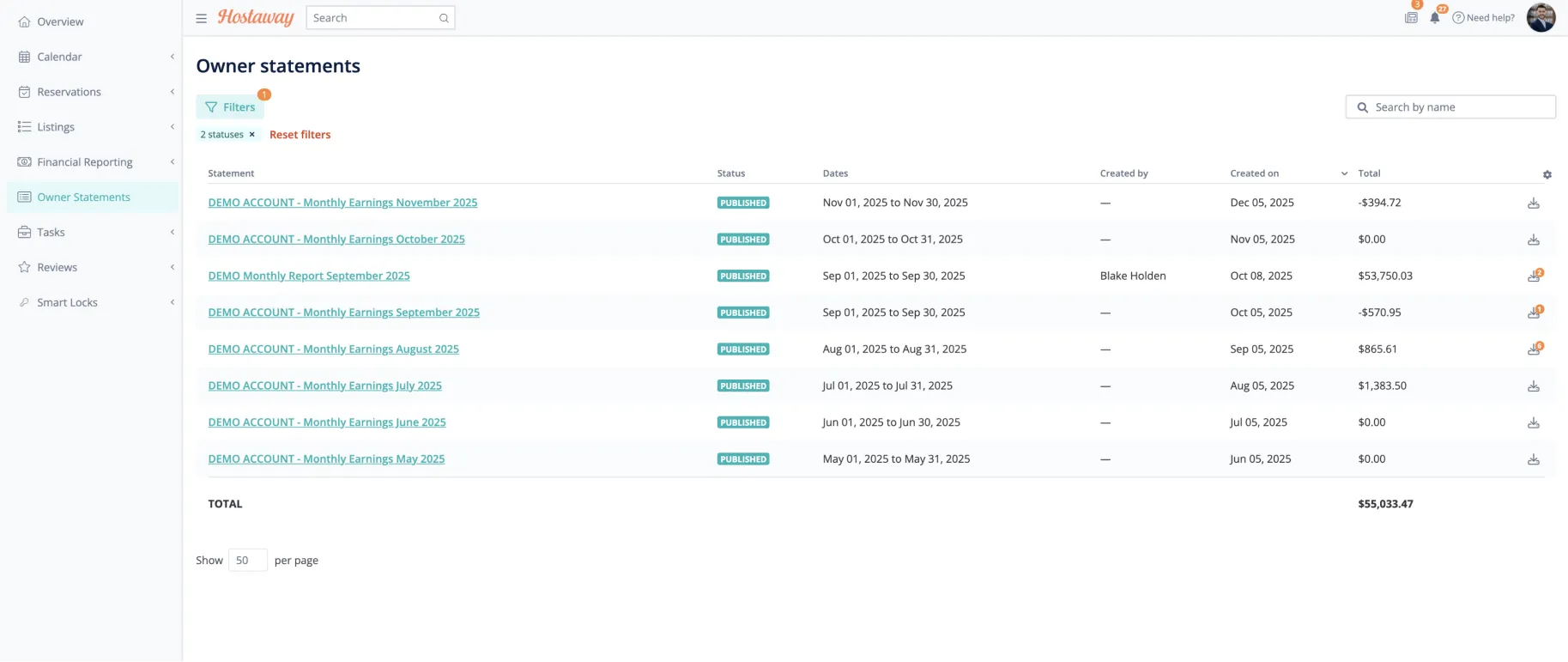
Navigate to Owner Statements

1.
From the sidebar, select Owner Statements.
2.
From here you can easily select which Monthly Report you want to view.
Tip: If you forget your password, use the “Forgot Password” link or contact your account manager.

Navigate to Owner Statements

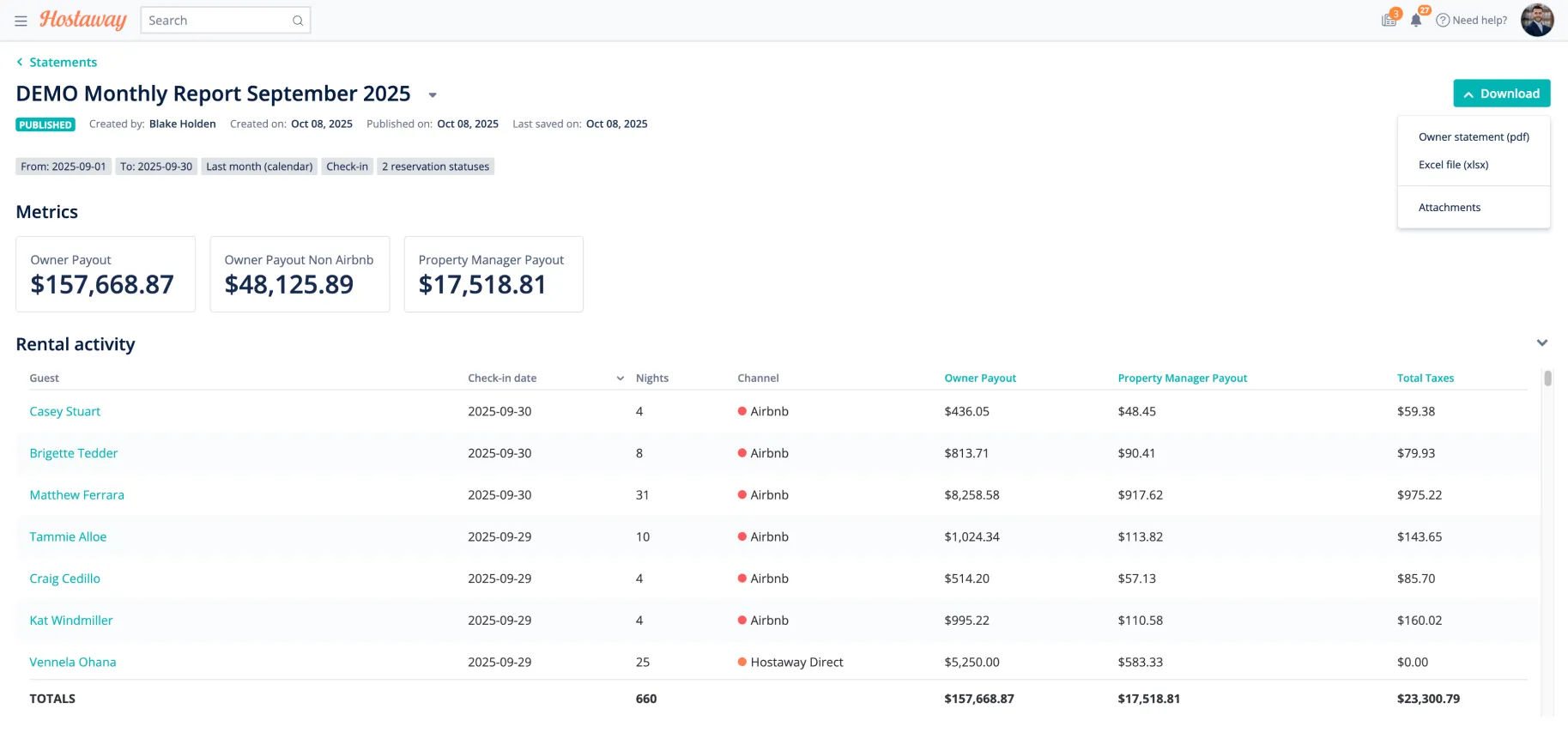
Details of the report.
From this view you can easily see all reservations that occurred during the month as well as Total Nights, Booking Channel, Payouts etc.
Downloading the report

1.
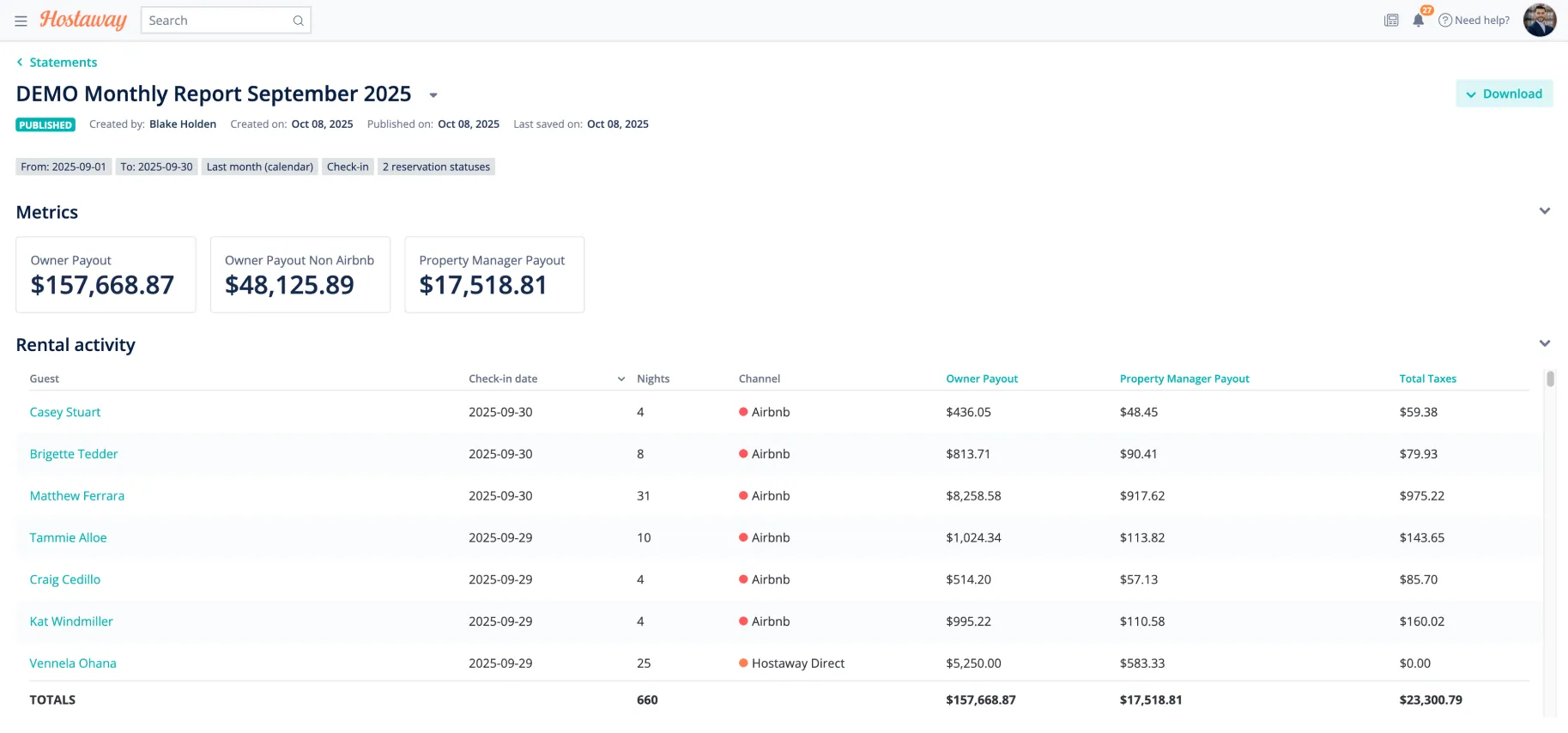
Click Download Report → wait for processing.
2.
Download as PDF or Excel File.